 Speed Meter

Your internet speed, live.
See your download and upload speed right in the status bar or Mac menu bar, run a one-tap speed test, and know exactly how much data you used today.
Android 7.0 and later · Mac app for Apple silicon · iPhone coming soon
Everything about your connection
Small, fast and focused. No sign-up, no ads, nothing to set up.
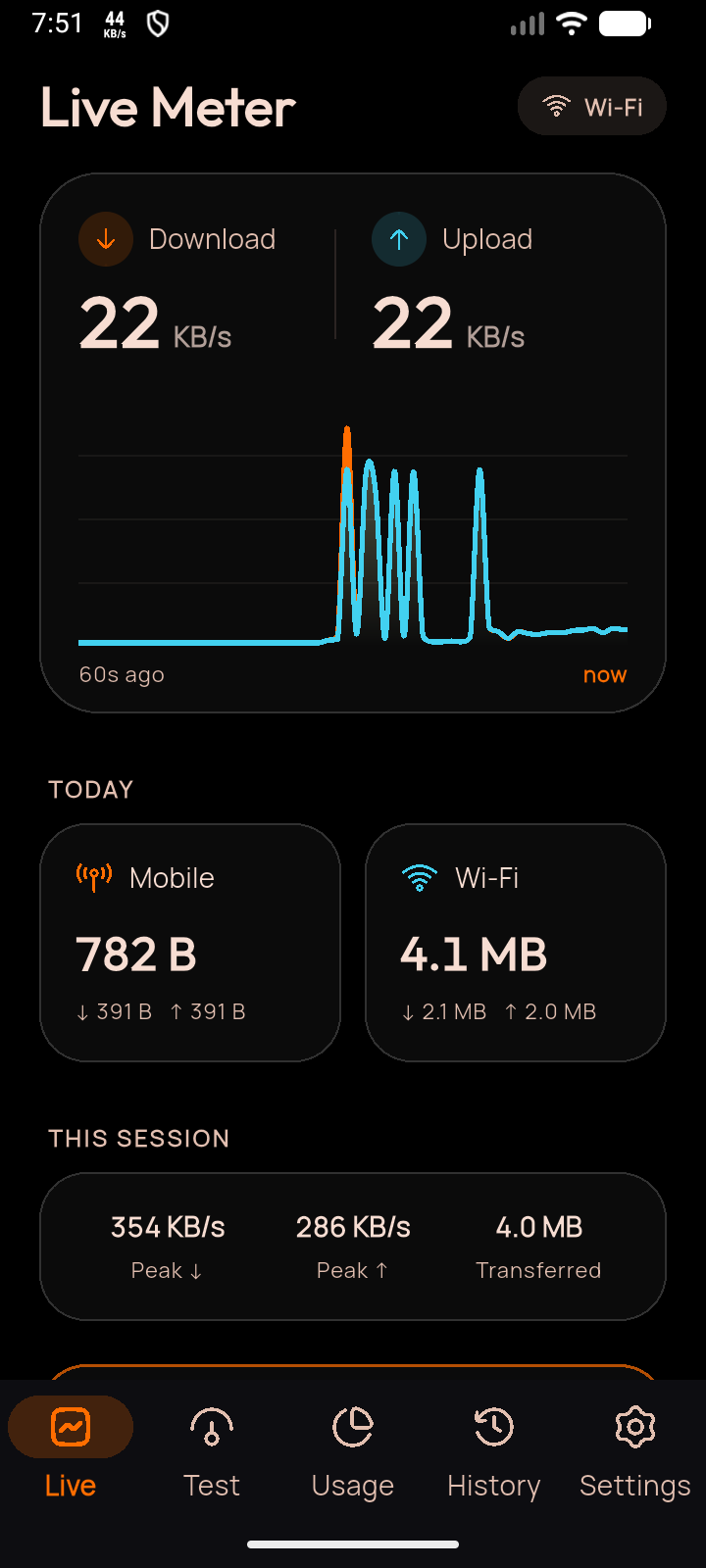
Live meter in the status bar
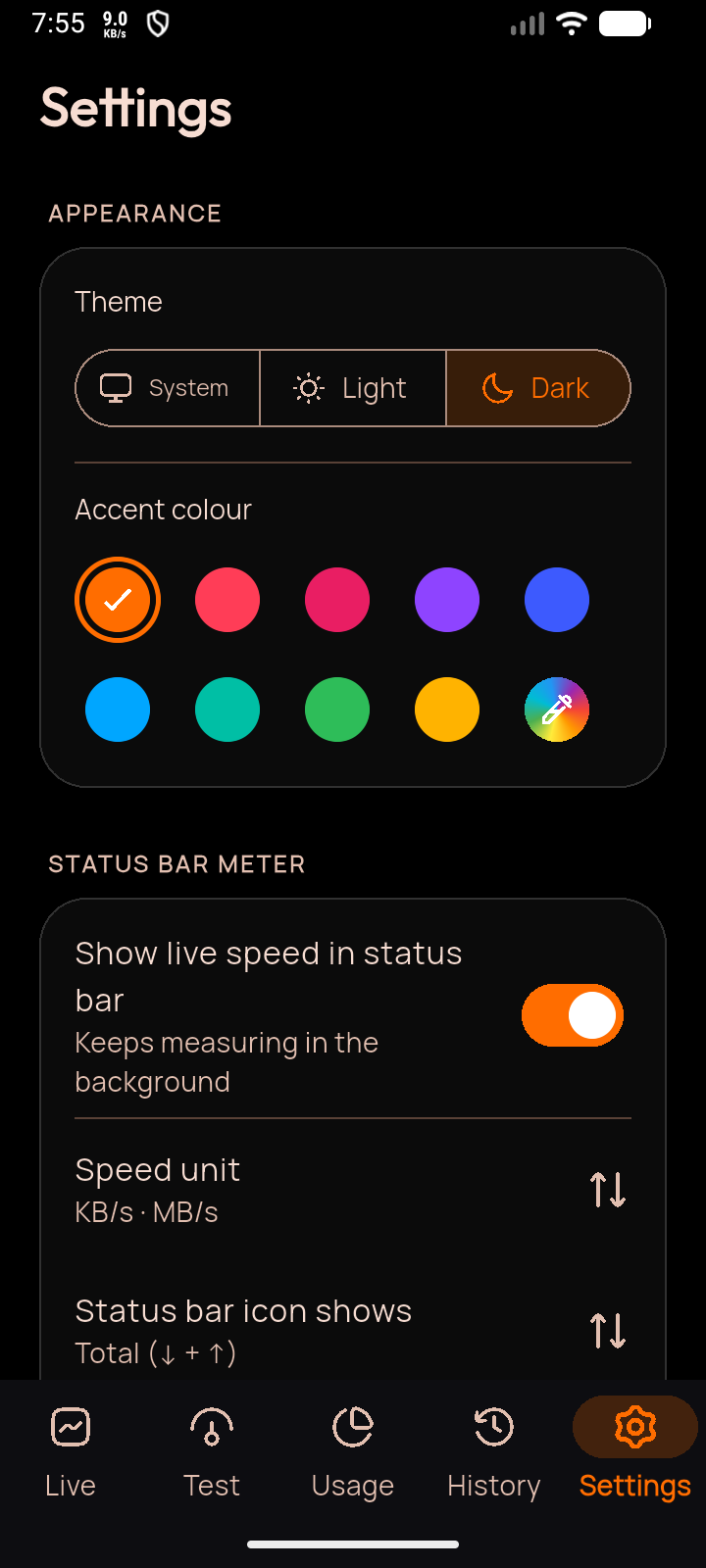
Your current speed is the status-bar icon itself, and it keeps updating in the background.
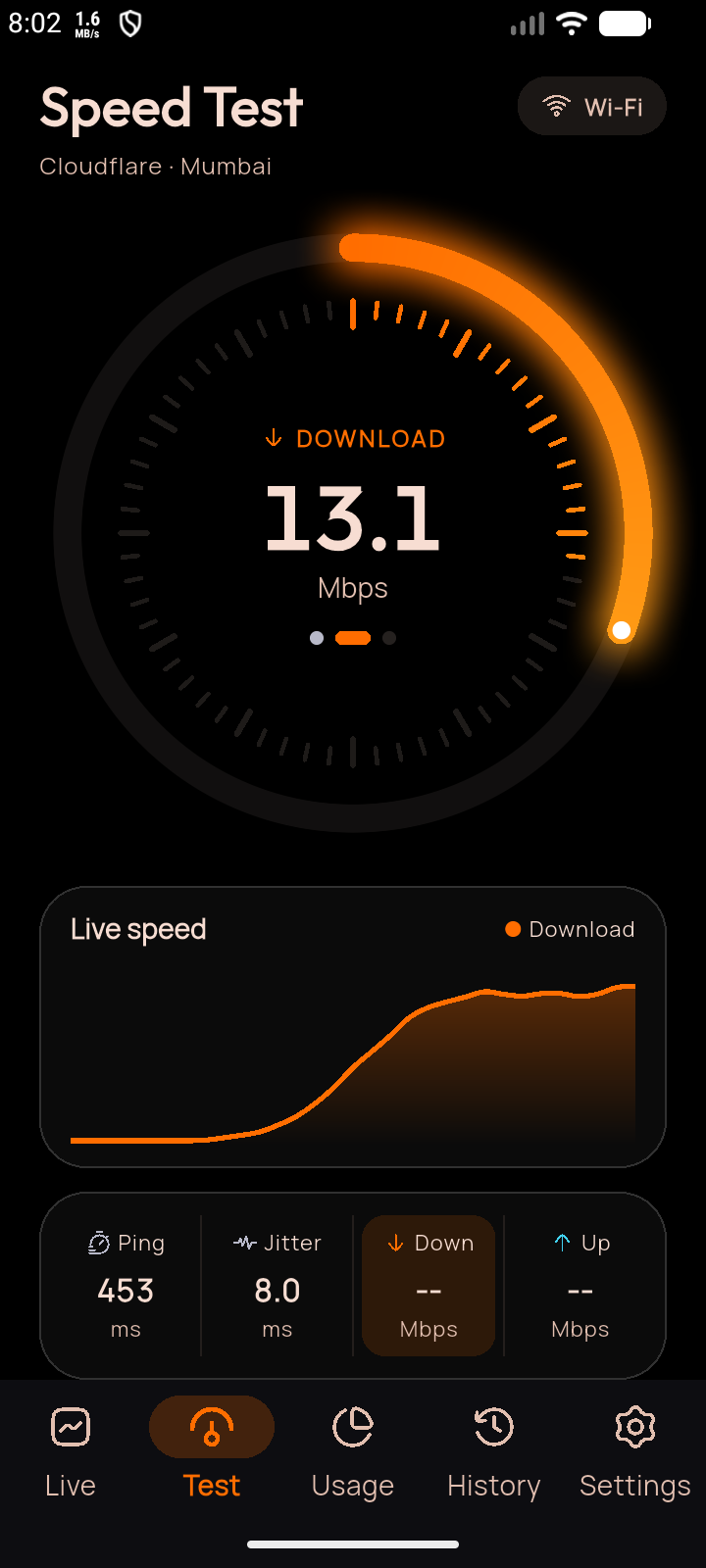
One-tap speed test
Download, upload, ping and jitter, measured against Cloudflare's global network.
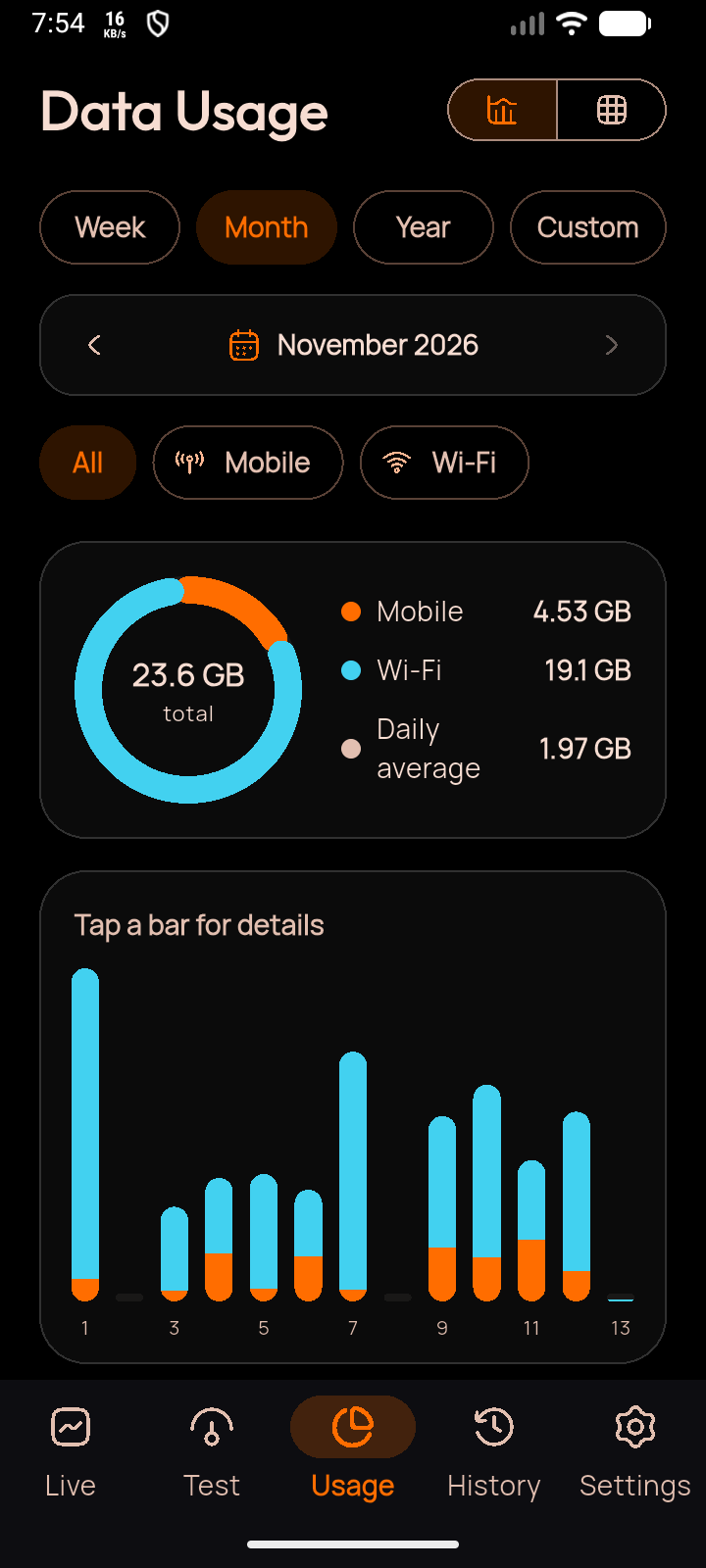
Daily data usage
Mobile and Wi-Fi totals by week, month, year or any date range, as charts or a table.
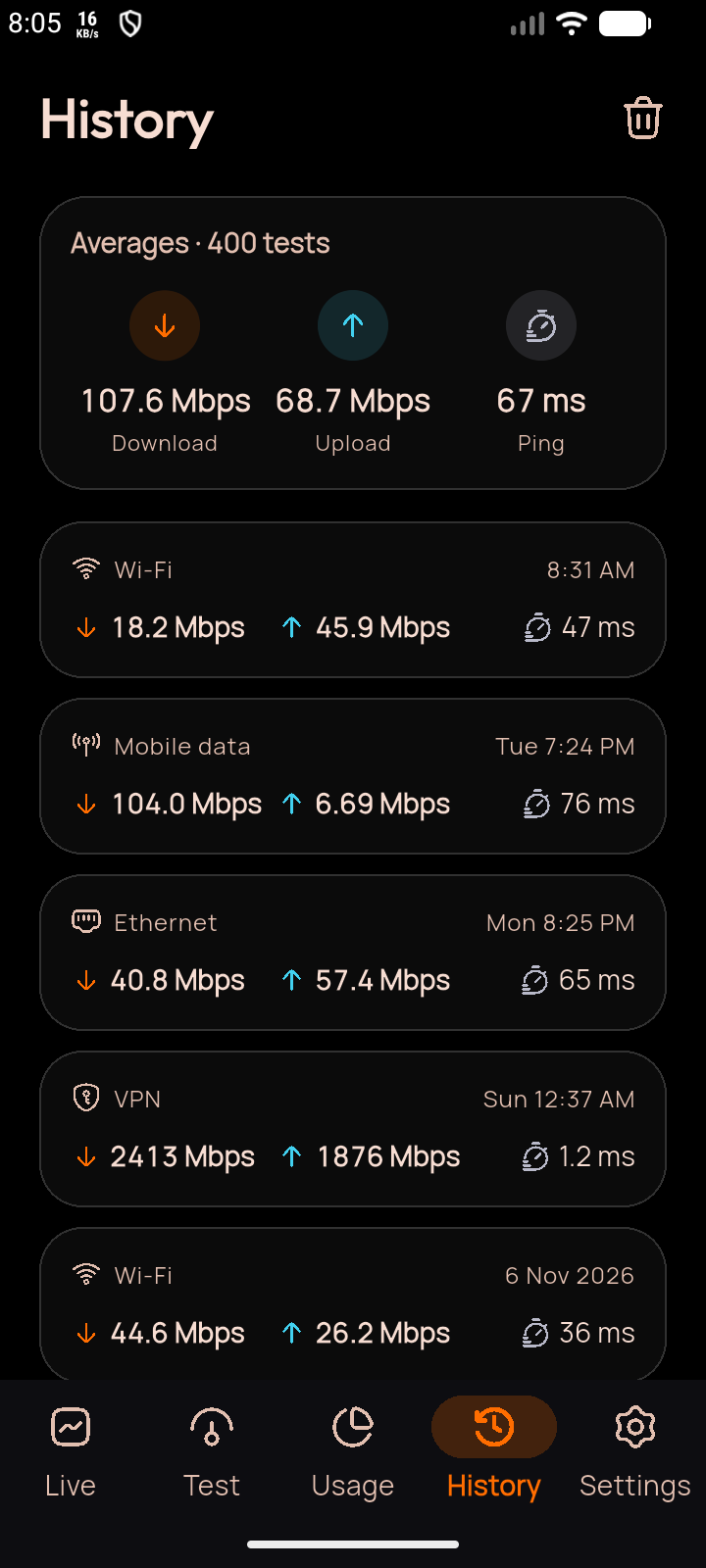
Test history
Every speed test is saved on your device, with averages and full details.
Make it yours
Light, dark (pure black) or system theme, nine accent colours or any colour you like.
Private by design
No account and no ads. Your speed tests and usage history never leave your device.
On your Mac, too
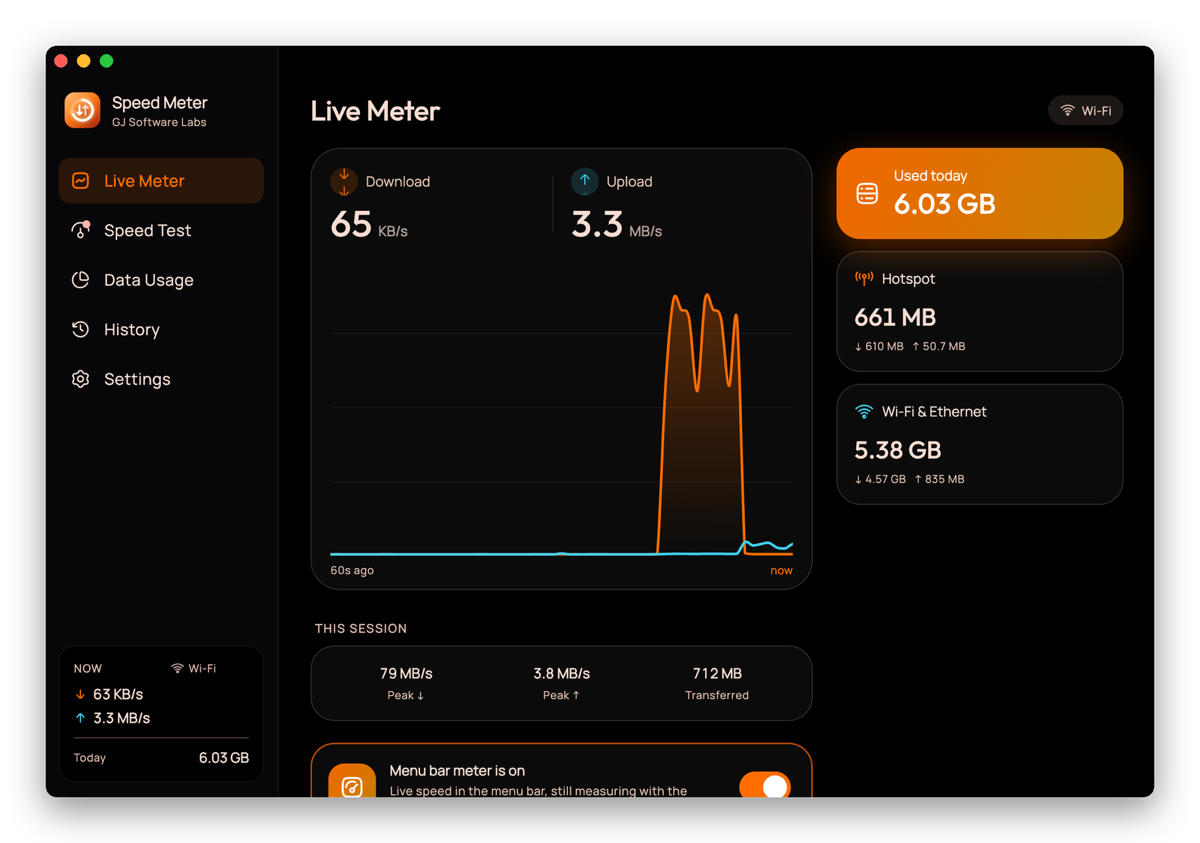
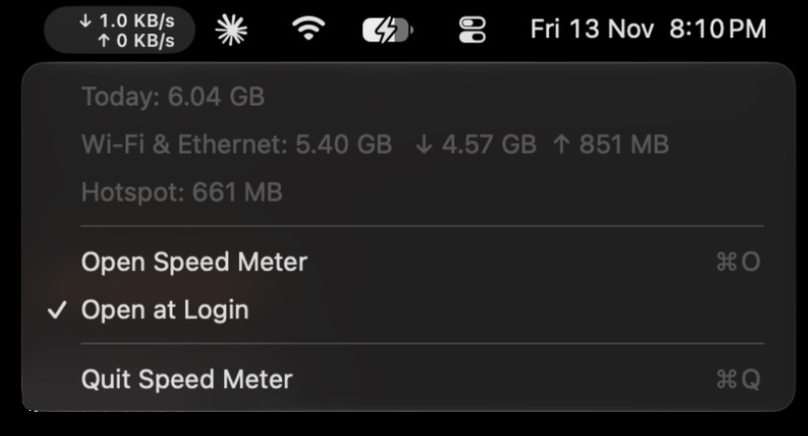
Live download and upload speed in the menu bar, even with the window closed. Open at login, a desktop layout with a sidebar, and keyboard shortcuts.
Your data stays yours
Speed Meter works without an account and without servers of ours. The only thing it can send us is a crash report, and you can turn that off.
- No account or sign-up
- No ads, no tracking
- Speed tests and usage stored only on your device
- Crash reports are anonymous and optional